Pro audio cue pads
for live shows.

A native, low-latency soundboard for sound operators, theatre, events and DJs. Trigger stings, beds and loops — and shape each one: loop, pitch, EQ. iOS & Android.

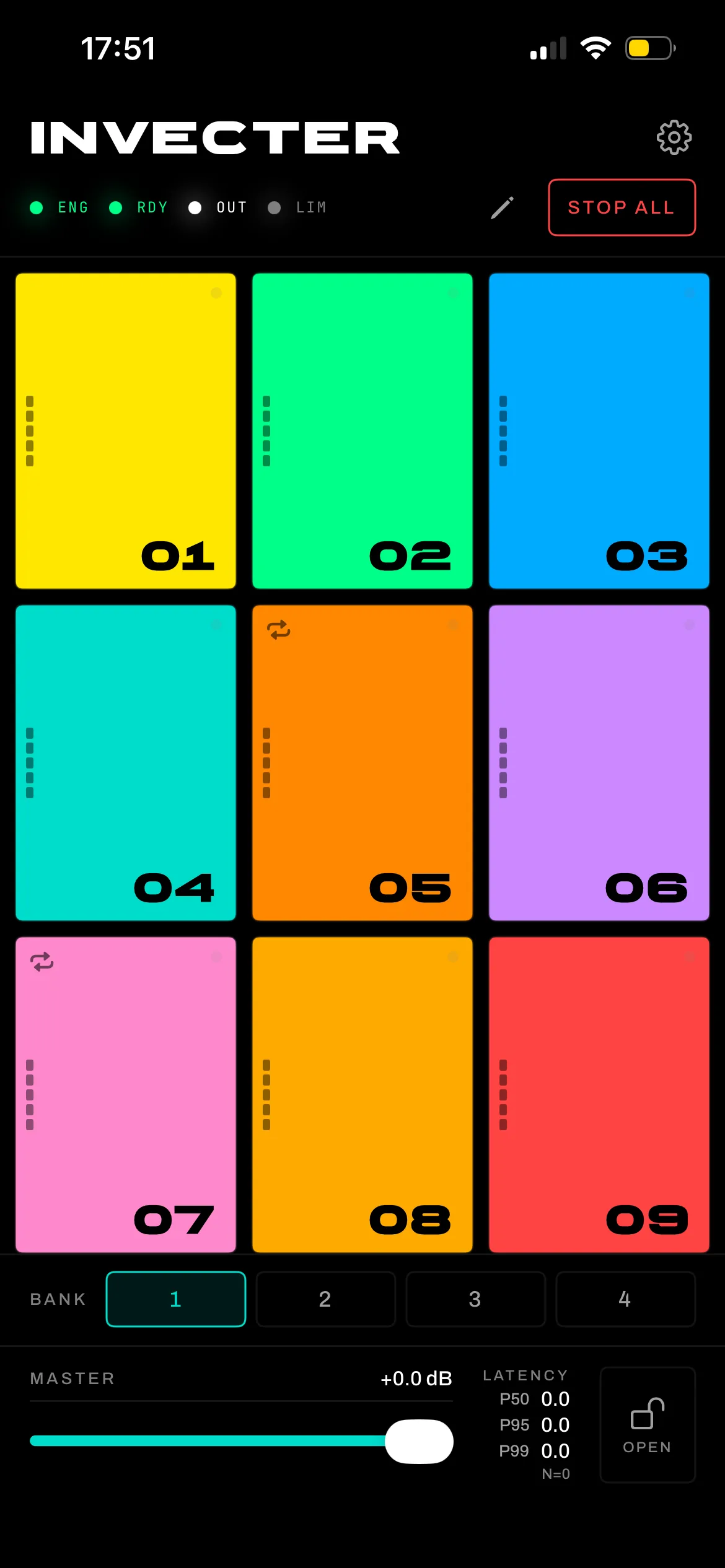
ENG RDY · 8 VOICES · OUT −∞ dB
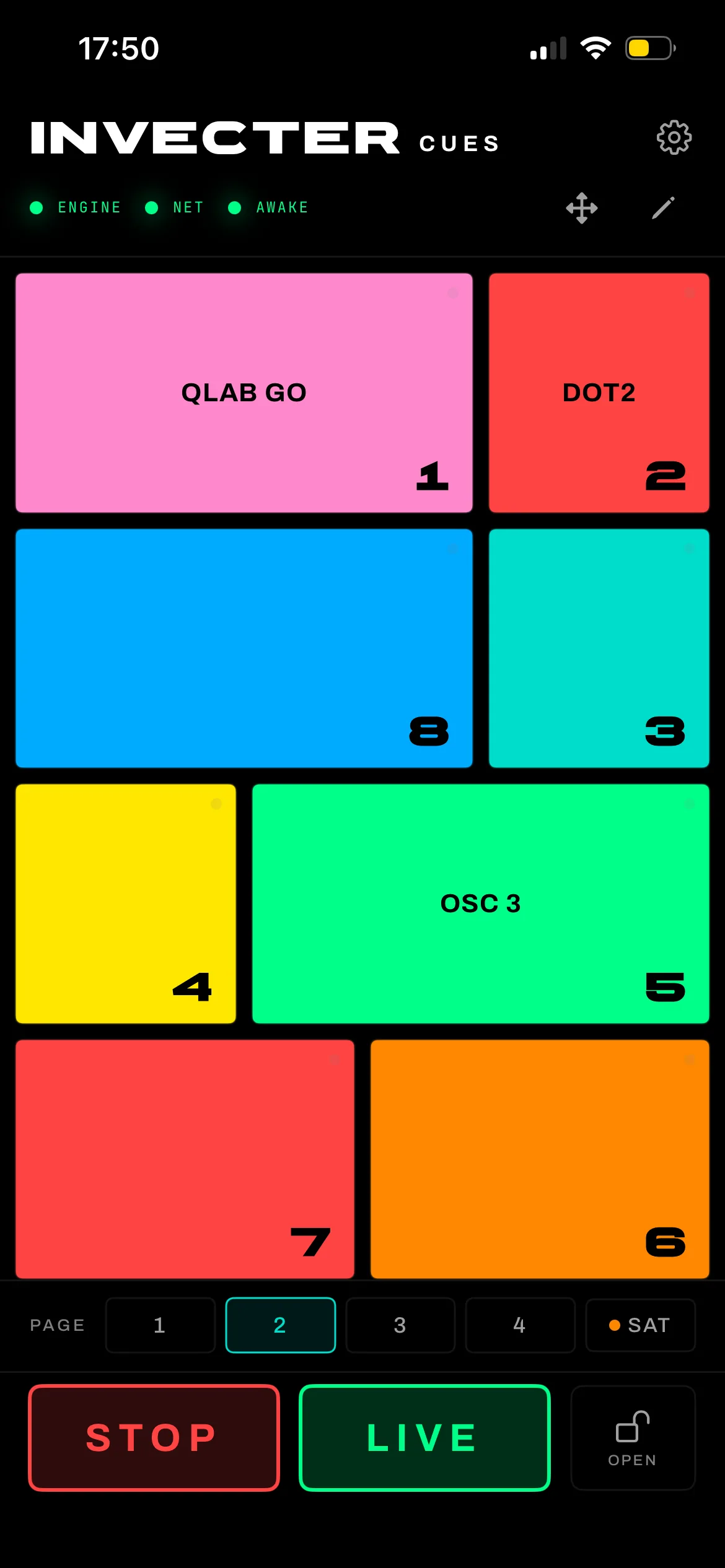
Invecter Pads home screen with a 3 by 3 grid of coloured trigger pads, master fader and four banks

A playlist app will let you down mid-show.

Consumer media apps relock the screen, cut on an accidental tap, and give you nothing to trim, loop or pitch. Invecter Pads is backstage-first: the screen stays awake, pads lock against mis-taps, and a dedicated STOP is always available.

Sculpt the loop right on the waveform.

Set loop in/out directly on the waveform — beat-grid, tap-tempo, bar snap and a seam crossfade for clickless loops. Nudge trim and fades to the millisecond.
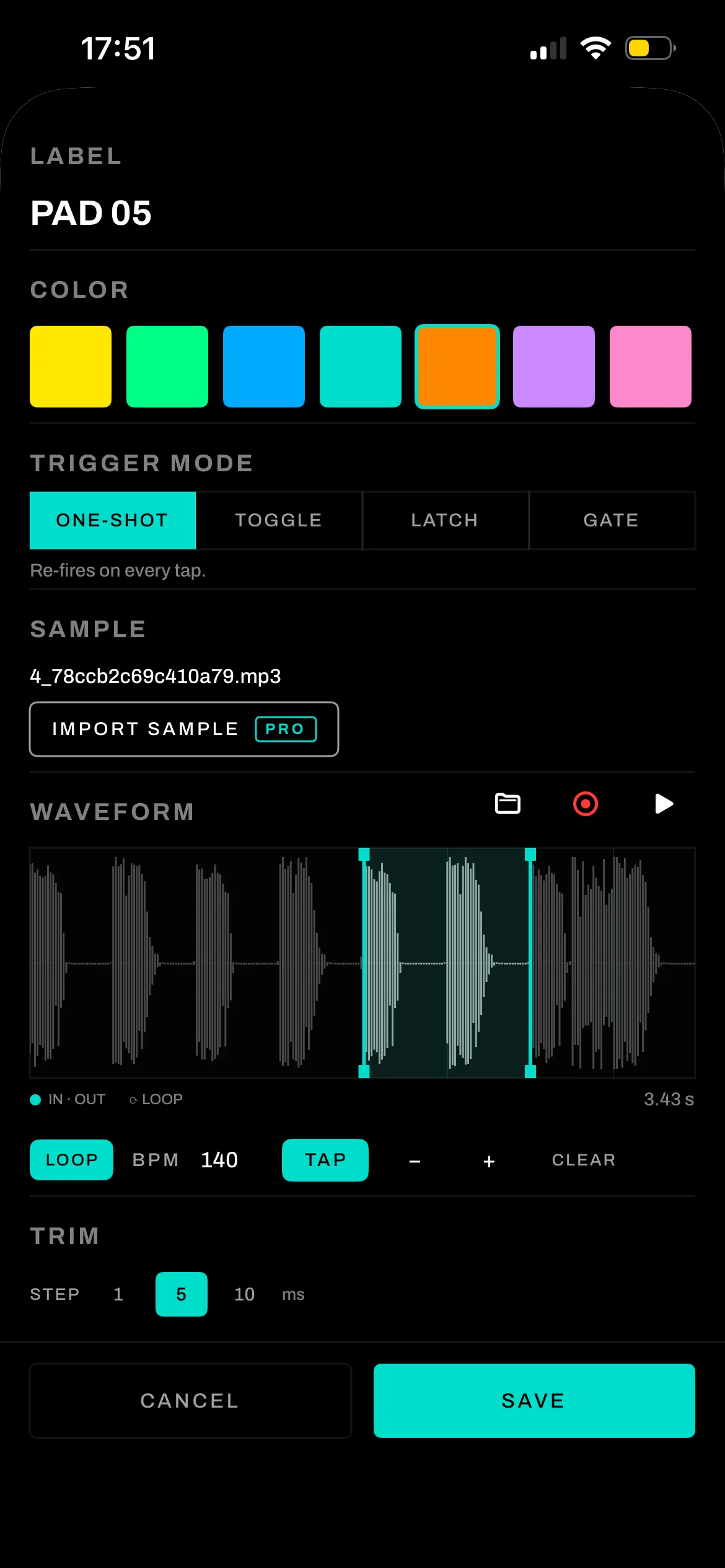
Pad edit screen showing a zoomable waveform with loop region, BPM tap tempo, trigger modes and trim controls

Re-pitch a stab without touching the tempo.

Per-pad pitch up to ±24 semitones in two modes — Speed (varispeed) or Pitch (independent, tempo preserved). Shape each pad with a hands-on parametric EQ and in/out fades, all live.
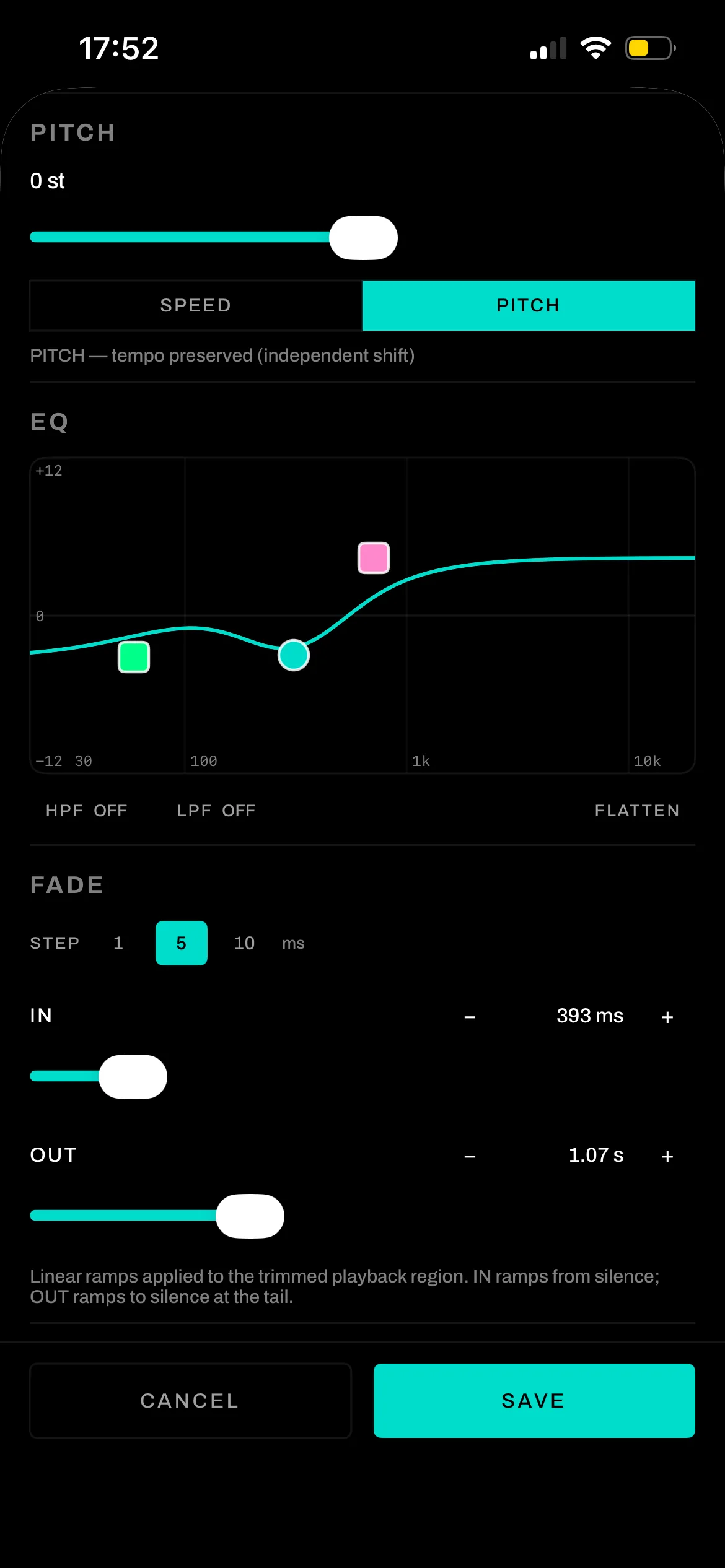
Pad editor showing pitch slider, a graphic parametric EQ curve with draggable nodes, and in/out fade sliders

Play it from anything. Record into anything.

MIDIMIDI in + MIDI LearnUSB, Bluetooth LE or network. Tap a pad, play a note — it’s mapped. Remappable pad by pad.
RECMic record to a padHit REC, get a 3-2-1 countdown, and the capture becomes the pad. No export or import.
MODEFour trigger modesOne-shot, Toggle, Latch and Gate — Latch protects a long cue from accidental taps.

The technical sheet.

AVAUDIOENGINE · OBOE/AAUDIO · C++ RT PATH
PlatformsiOS 17+ · Android 8+ — two native apps, shared KMP core
Audio engineAVAudioEngine (iOS) · Oboe / AAudio + C++ (Android)
Grid3×3 pads × 4 banks, nameable
Trigger modesOne-shot · Toggle · Latch · Gate
Pitch±24 semitones — Speed (varispeed) or Pitch (tempo-preserved)
EQPer-pad graphic parametric + 3-band master
Polyphony8-voice pool · brick-wall output limiter
MIDIUSB · BLE · network in, MIDI Learn per pad
LoopingBeat-grid · tap-tempo · bar snap · seam crossfade
Presets.invecterset — round-trips iOS ↔ Android
PricingFree tier · Pro one-time purchase · no subscription
LanguagesEnglish · Français (in-app)
PrivacyNo audio capture · opt-out telemetry

Operator questions.

How does pad editing work?
Open a pad in edit mode and set trim, loop points, fades, pitch and EQ right on the waveform — every setting is saved per pad.
Will it work with my MIDI controller?
Yes — any USB, Bluetooth LE or network MIDI controller. MIDI Learn maps each pad to whatever note you play, so it works regardless of your controller’s base note.
Do my sets transfer between iPhone and Android?
Yes. A set saved as .invecterset opens unchanged on the other platform; the serialized keys are identical and round-trip both ways.
Can I record a sound straight into a pad?
Yes. Hit REC, get a 3-2-1 countdown, and the captured sample becomes the pad. There is no export or import step.
How low is the latency?
Each platform runs its own low-level engine — AVAudioEngine on iOS, Oboe/AAudio + C++ on Android — with nothing cross-platform on the realtime audio path.
Is there a free version?
Yes — a free tier covers the core soundboard, and a one-time Pro purchase unlocks the deeper editing (sample import and more). No subscription.
Will the screen lock during a show?
No. Screen-lock is disabled while you operate, pads can be locked against accidental taps, and a dedicated STOP/panic is always available.

Built for the people
running the show.

More from the Invecter range