Console Programming
Definition
A lighting console controls fixtures through stored states played back over time, and a few objects make up most programming. Cues store a complete state (levels, colours, positions) and play it back with programmed fade times. Palettes, also called presets, store reusable values such as a colour, a focus position or a beam shape; every cue that references a palette updates when the palette is edited. Chases and effects engines generate movement such as sweeps, colour cycles or ripples from a few parameters, without each step being built by hand.
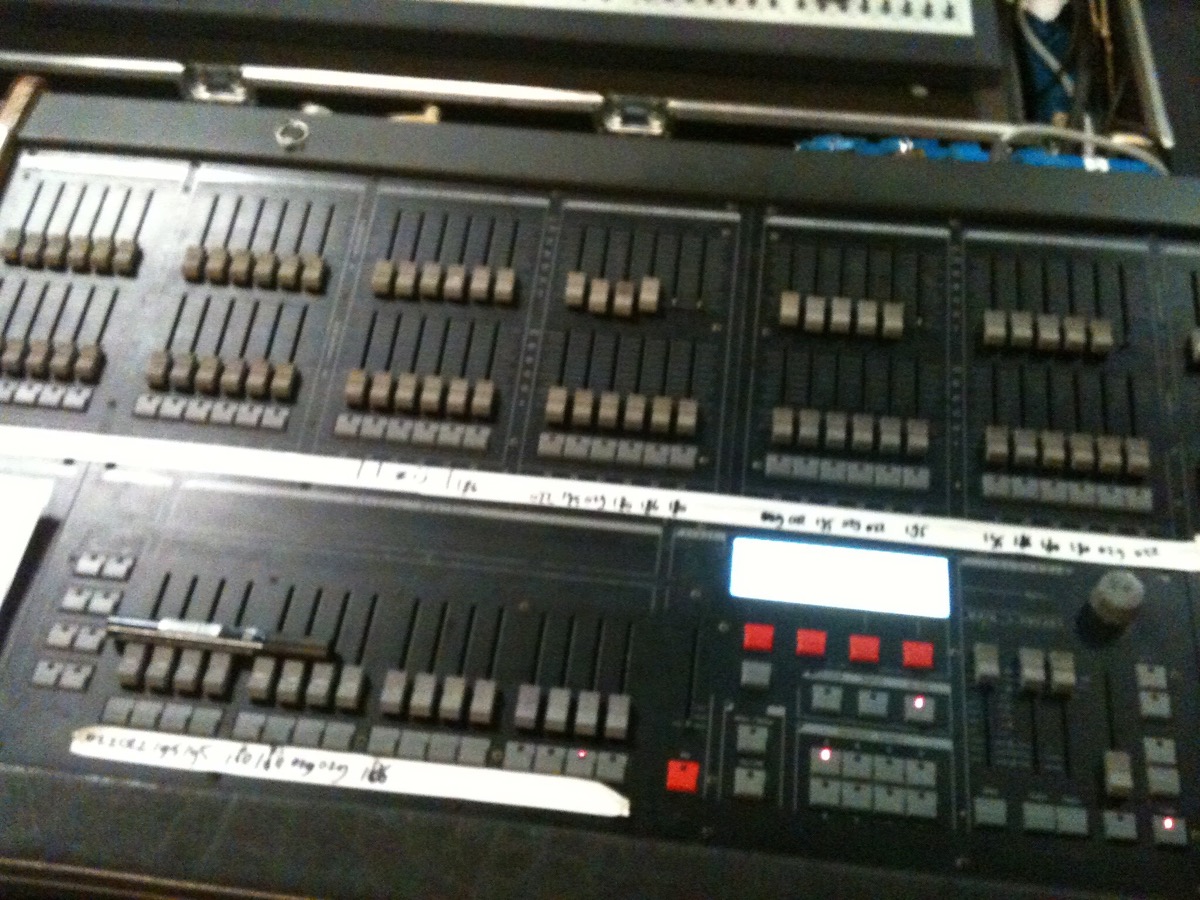

The guide
Tracking is the concept most often misunderstood. On a tracking console, a value stays as recorded until a later cue changes it explicitly, so it carries forward through the following cues. In cue-only mode, a change applies only to the cue in which it was made. An operator who is mistaken about the mode can alter looks in cues that were not meant to change.
Structure comes before content: focus, colour and beam palettes are recorded first, and the cues that reference them afterwards. Programming with values recorded directly in the cues works in rehearsal, but it makes quick changes slow and error-prone during a show, because each value has to be edited cue by cue.
The rule
Palettes are recorded before the cues that use them.
Sources
- Lighting control console (Wikipédia, pointeur secondaire) : rôle et types de consoles lumière · en.wikipedia.org
- MA Lighting, grandMA3 User Manual : tracking, une valeur reste active jusqu'à ce qu'une cue la modifie · help.malighting.com
- MA Lighting, grandMA3 User Manual : Cue Only · help.malighting.com
- MA Lighting, grandMA3 User Manual : la cue stocke une référence au preset, que les cues suivent quand il est modifié · help.malighting.com
- ETC, Eos Family Online Help, Cue Only / Track : en Track, les changements avancent dans la liste de cues ; en Cue Only, ils n'affectent pas les cues suivantes · etcconnect.com
- ETC, Eos Family Online Help, About Palettes : les palettes sont des données référencées, toute modification se propage dans les cues · etcconnect.com