Wireless Audio
Definition
Wireless microphones and in-ear monitor systems transmit audio by radio, mostly in the UHF television band. They share this spectrum with television broadcasting and other users, so their operation depends on planning. In the United States, the Federal Communications Commission (FCC) auctioned the 600 MHz band to mobile operators. Since 13 July 2020, wireless microphones may no longer operate from 617 to 652 MHz or from 663 to 698 MHz, and the 700 MHz band, reallocated earlier, is also closed to them. The main usable UHF range is therefore 470 to 608 MHz, with restricted use in the 614 to 616 MHz guard band and in the 653 to 663 MHz duplex gap, part of which requires a licence. In the European Union, Decision (EU) 2017/899 reallocated the 700 MHz band (694 to 790 MHz) to mobile broadband and keeps 470 to 694 MHz available for wireless audio (PMSE) at least until 2030, under national rules. The first step at any event is a scan of the local spectrum, followed by the assignment of each system to a clear frequency.
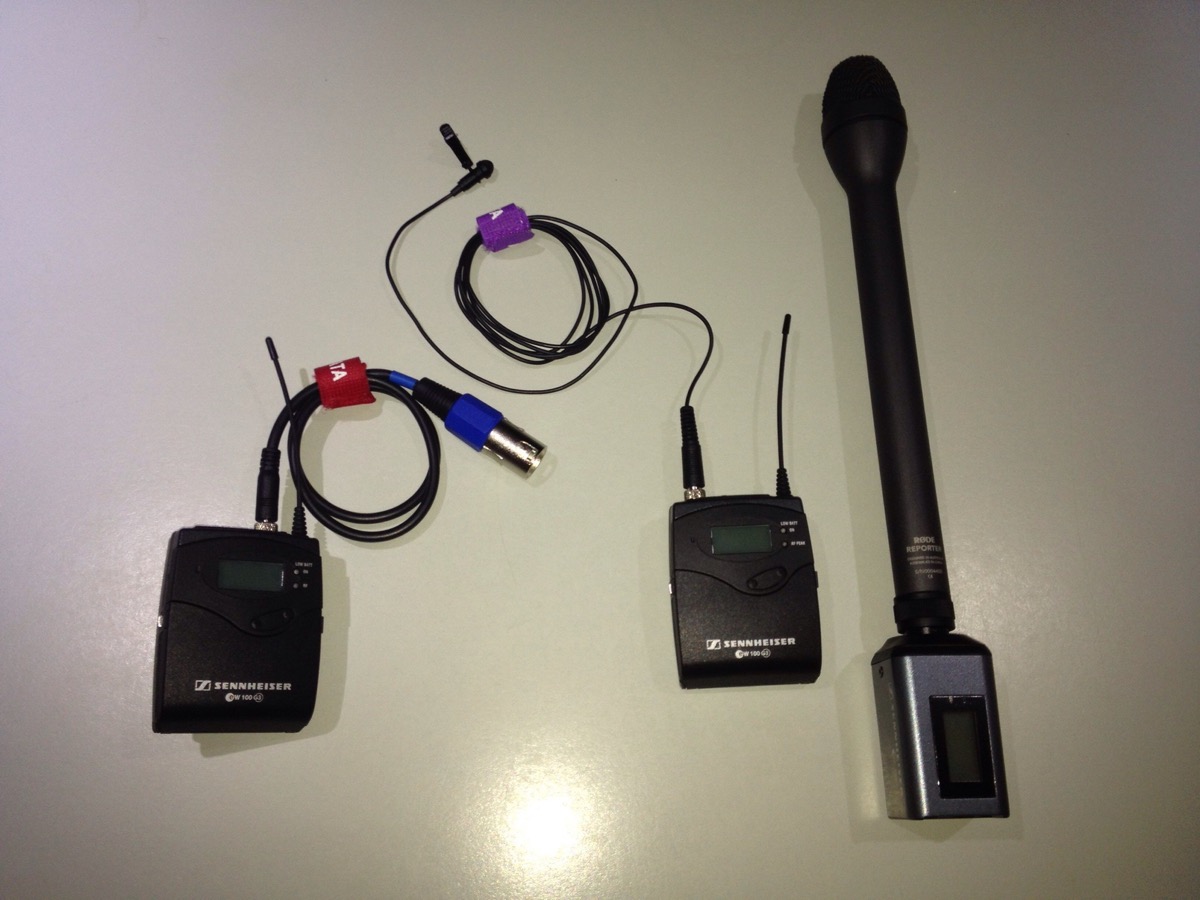
_(rotated).jpg)
The guide
Intermodulation is the main complication. When several transmitters operate close together, their frequencies combine and create new signals. The third-order products, at twice one frequency minus the other, are the most troublesome and can fall on a channel in use. Evenly spaced channels are especially exposed, because their third-order products coincide with other channels of the set. Coordination software such as Shure Wireless Workbench calculates compatible frequency sets, and manufacturers commonly recommend a margin of at least 250 kHz between any third-order product and a carrier.
Antennas matter as much as frequencies. Receiving antennas are kept in line of sight of the transmitters, ideally in the same room and above the audience, and an antenna distribution system feeds several receivers from one pair of antennas instead of a separate whip antenna on each receiver. Squelch mutes a receiver when the RF signal falls below a usable threshold, so a dropout produces silence instead of a burst of noise. Each wireless link remains a possible point of failure that a cable does not have.
The rule
The spectrum is scanned and the frequencies are coordinated before any transmitter is switched on.
Sources
- FCC, Wireless Microphones and the Post-Incentive Auction Transition : arrêt au 13 juillet 2020 dans 617–652 et 663–698 MHz ; bande de garde 614–616 MHz, intervalle duplex 653–663 MHz · fcc.gov
- FCC, Wireless Microphones Prohibited in the 700 MHz Band : micros sans fil interdits dans 698–806 MHz depuis le 12 juin 2010 · fcc.gov
- FCC, Wireless Microphones : canaux TV 2 à 36 (sous 608 MHz) et bandes restantes pour les micros sans fil · fcc.gov
- Décision (UE) 2017/899 du 17 mai 2017 : bande 694–790 MHz au haut débit mobile ; 470–694 MHz maintenue pour la radiodiffusion et le PMSE audio au moins jusqu'en 2030 · eur-lex.europa.eu
- Shure, All About Wireless: Intermodulation Distortion : produits du 3e ordre 2f1 − f2 et 2f2 − f1 ; marge recommandée de 250 kHz · shure.com
- Shure, Wireless Systems and Antenna Placement : visibilité directe, distribution d'antennes · shure.com
- Shure, What is Squelch on a wireless receiver? Coupure du récepteur sous un seuil RF · service.shure.com