Projection Mapping and Edge Blending
Definition
Several projectors can form a single large image through two techniques. Edge blending overlaps adjacent images over a defined zone, commonly between 10 and 20 percent of the image width, and fades each projector's contribution across that zone so that the join disappears. A wider overlap leaves more room to hide small differences in alignment and brightness. The fade has to follow the gamma curve of the projectors: a video level of 50 percent does not produce half of the light, so two linear ramps add up to a band that is visibly darker or brighter than the rest of the image.
.jpg)
The guide
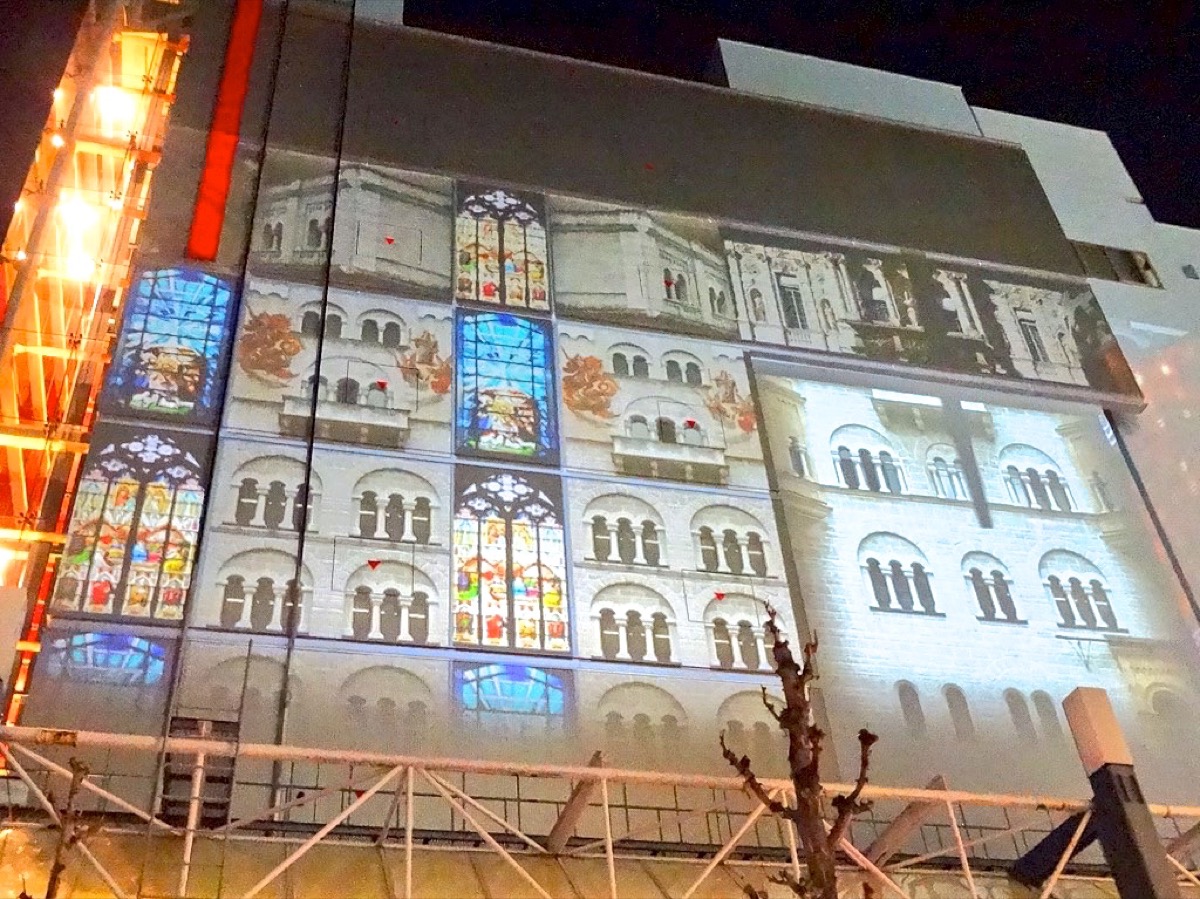
Projection mapping (warping) distorts the image to fit a surface that is not a flat screen, such as a set piece, a curved wall or a building façade, so that the content lands where it was designed to. The warp is applied last, on projectors that are already correctly placed.
Both techniques depend first on physical alignment, because warping and blending cannot compensate for projectors that are only roughly aimed. The projectors are positioned and overlapped mechanically, their brightness and colour are matched (lamps and light sources age at different rates, so two units rarely match out of the box), and the blend and warp are adjusted only after that. A well-matched array reads as one continuous image.
The rule
Projectors are aligned and matched physically before blending and warping are adjusted in software.
Glossary terms
Sources
- Baptiste Jazé, edge blending : recouvrement de 10 à 20 %, pas en dessous de 10 %, davantage sur surfaces irrégulières · baptistejaze.com
- Baptiste Jazé, calibration du fondu : deux rampes linéaires dont la somme fait 100 % du signal ne donnent pas une lumière constante · baptistejaze.com
- MatrixWorks Europe : erreurs courantes du fondu de bords, recouvrement généreux recommandé · matrix-works.eu
- ImmersaView : calcul du recouvrement entre projecteurs · immersaview.com
- Resolume, edge blending : zone de recouvrement et courbe de gamma du fondu · resolume.com
- Epson : réglage du fondu de bords en configuration multi-projecteurs · files.support.epson.com